Want to double your opportunities for your music to be used in creator videos? Many content creators like to use both vocal and instrumental versions to match different moods and styles in their videos.
On Thematic, you can now submit the instrumental version of your songs alongside the original. After uploading your original track, you’ll see an option to add the instrumental version as well.
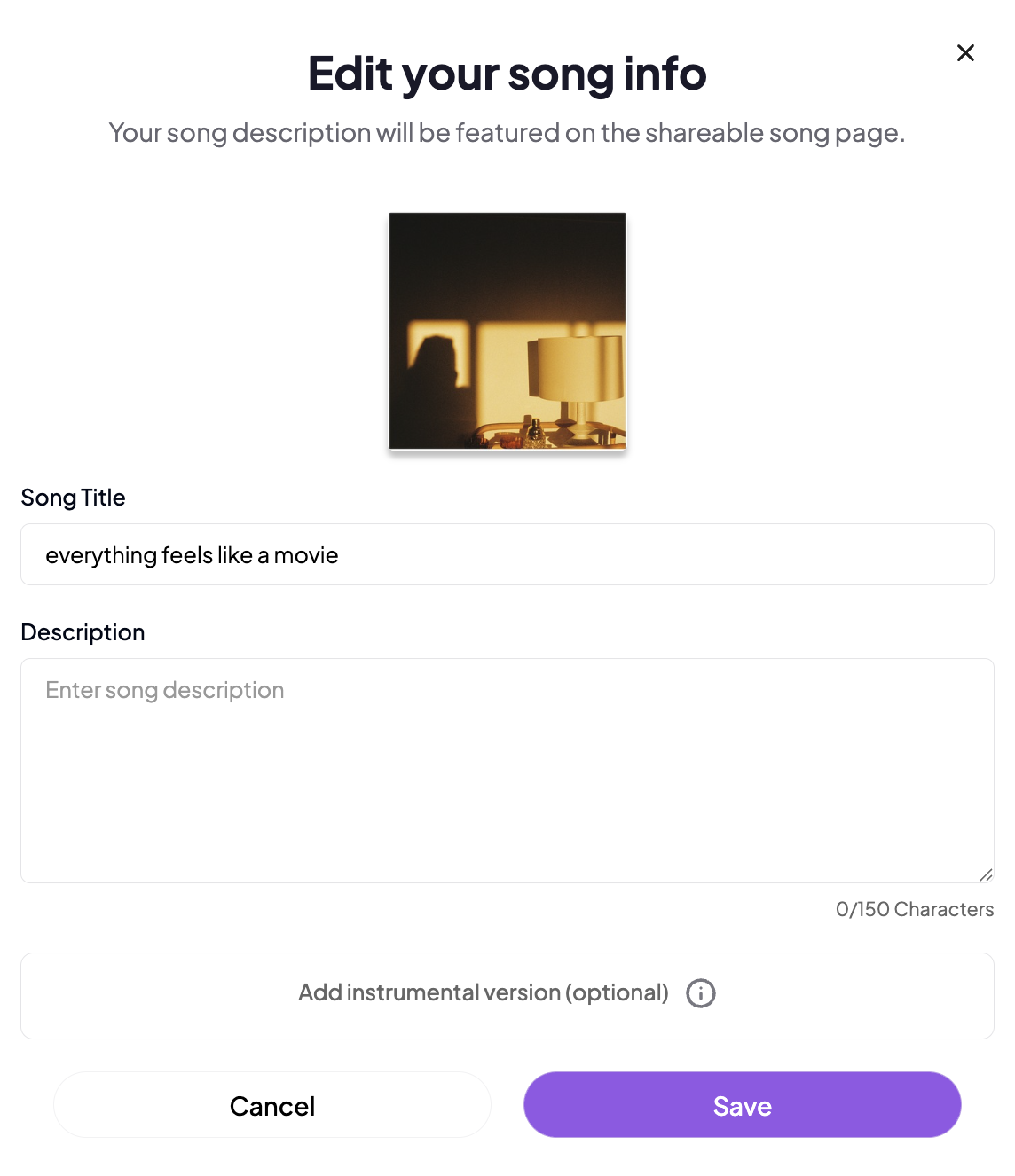
You can submit instrumental versions of your song:
- During the song submission process:
- Click Add Instrumental Version after uploading your song file
- In your Songs list:
- Click the edit icon listed next to the song
- Select Edit Song Info
- Click the button to Add Instrumental Version
These instrumentals are especially popular with our Pro creators, who often feature the original vocal version in intros and switch to the instrumental for voiceovers or narration.
Don’t have an instrumental version yet? No problem! Contact our team, and we’ll connect you with trusted partners who can help create high-quality instrumentals.
