To update your payment information for your Thematic subscription:
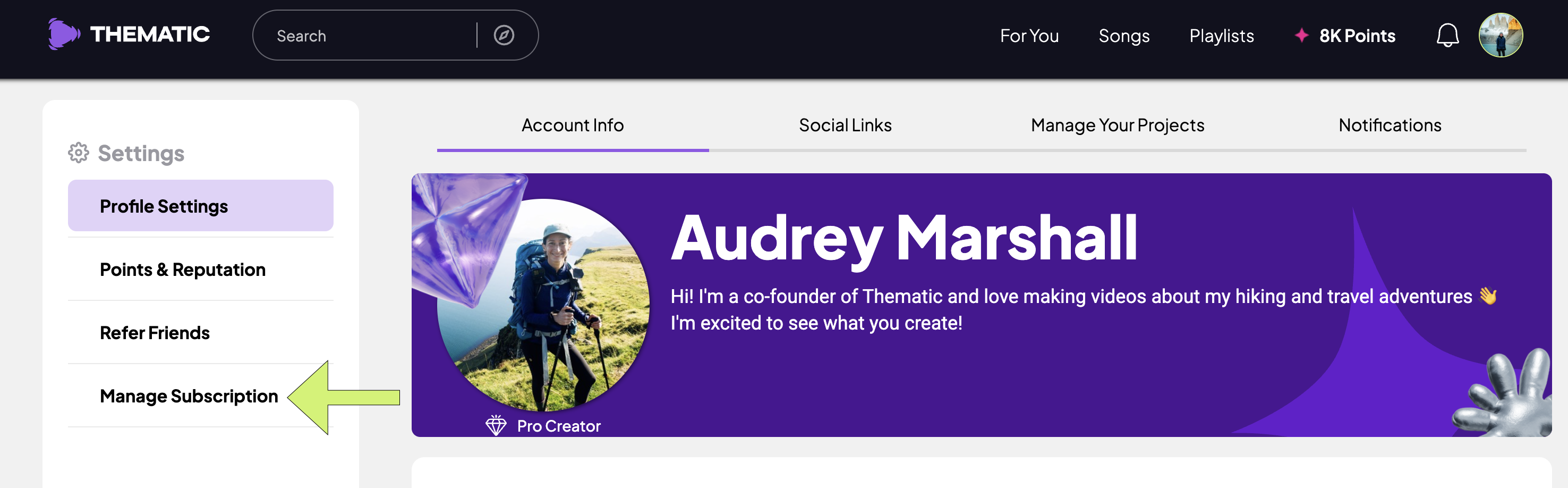
- Go to your Settings page.
- Click Manage Subscription to open your billing dashboard.
-
Follow the prompts to update your payment method or billing details.
Please make sure that you do not have a pop-up blocker enabled on your browser as this may prevent the subscription page from opening.
