What is “Jump Back To”?
The Jump Back To section on your For You page is designed to help you easily pick up where you left off on Thematic. It gives you fast access to the songs, playlists, and pages you’ve recently interacted with, so nothing gets lost between sessions.
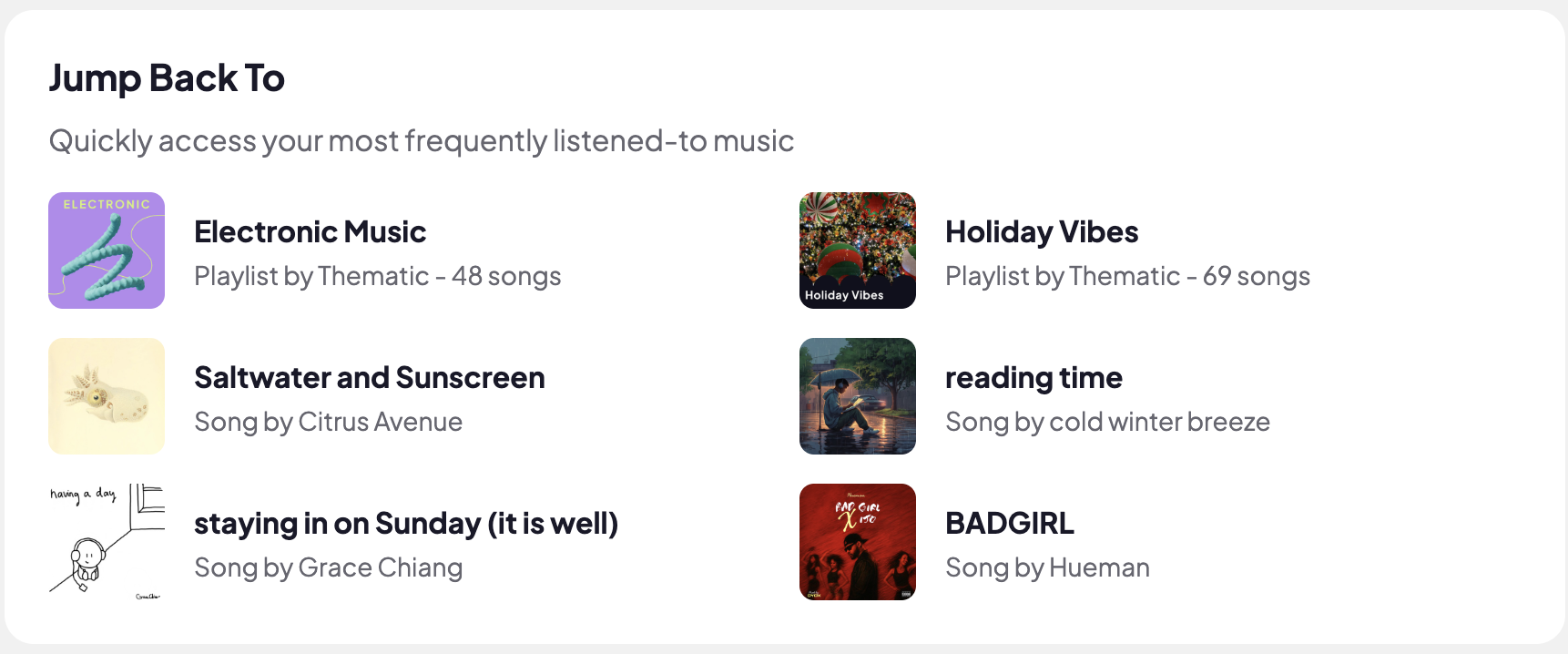
This section is especially helpful if you’re working on multiple videos or revisiting music you’re considering using.
What you’ll see in “Jump Back To”
Depending on your activity, this section may include:
-
Songs you recently viewed or listened to
-
Playlists you explored
-
Pages you interacted with frequently
It updates automatically based on your recent actions.
How to use “Jump Back To” effectively
-
Revisit songs you were considering for a video
-
Quickly return to playlists you’re curating from
-
Continue music discovery without re-searching
If you often jump between projects or ideas, this section helps keep your workflow smooth and uninterrupted.
Why it’s useful
-
Saves time by reducing repeated searches
-
Keeps your music discovery organized
-
Makes it easier to compare and finalize song choices
-
Supports faster, more efficient content creation
Jump Back To is all about convenience - helping you stay focused on creating, not retracing your steps.
