Trackfluencer is our unique voting platform where creators preview new song submissions and let us know which songs they want to see featured on Thematic.
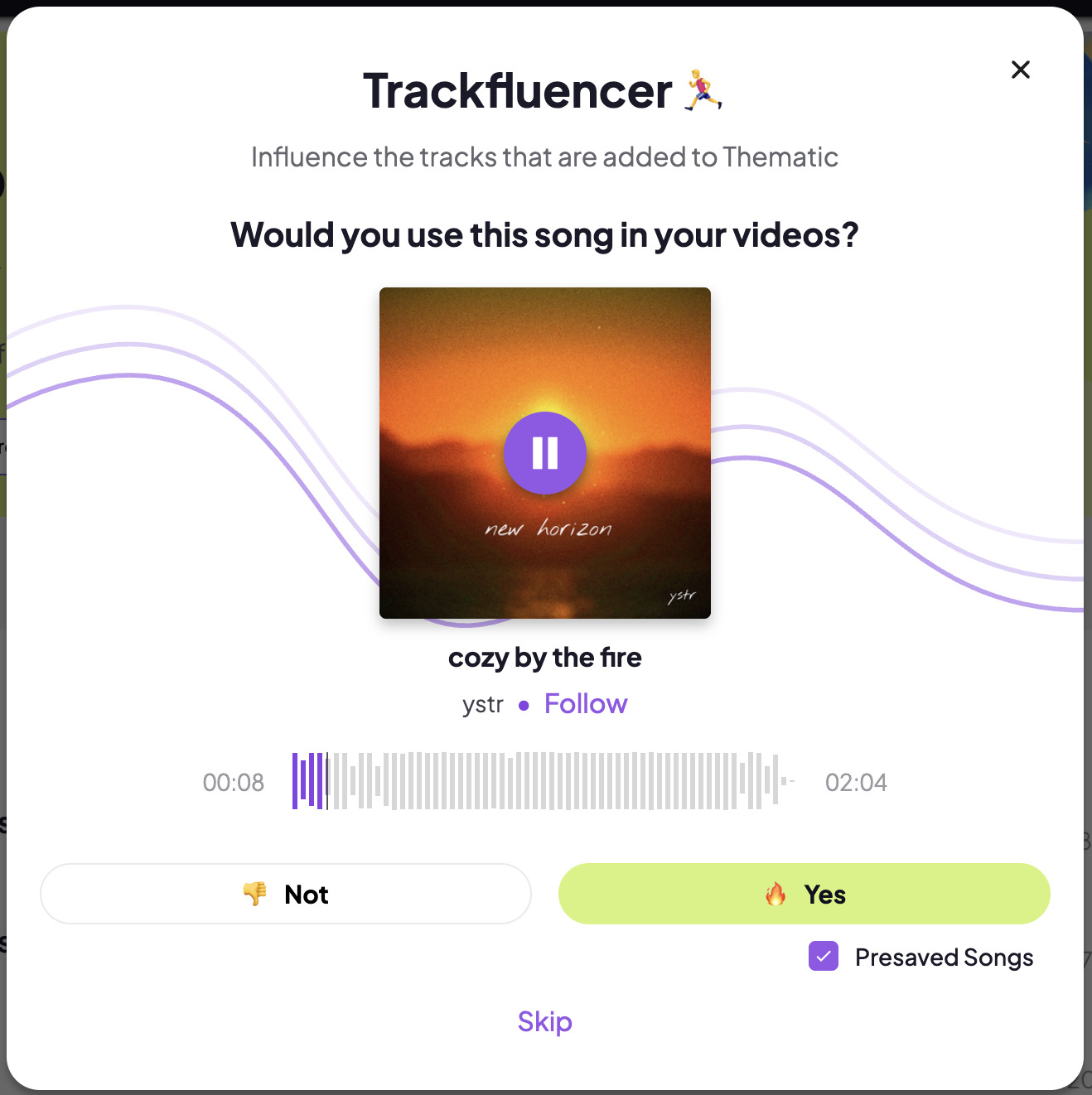
With Trackfluencer, you can:
-
Preview the newest songs submitted to Thematic.
-
Vote on songs you’re interested in using in your videos.
- Pre-save songs you like so that you're notified when the songs become available on Thematic.
👉 Find all the songs you voted 🔥 for in the Your Presaved Songs playlist on your For You homepage and in a playlist on your My Playlists page once the songs become available for download.
Note: Songs in Trackfluencer are not yet available for download. Keep an eye on your Presaved Songs playlist to download them as soon as they become available!
How to access Trackfluencer:
-
Go to Points > Vote on Songs > Click Vote
-
Or click your Profile Photo and select 🔥 Trackfluencer from the menu.
Start voting and help shape the future music library on Thematic!
