To upgrade your plan:
-
Log in to your Thematic account.
-
Click Upgrade Plan at the top of the navigation menu.
-
In the plan selection pop-up, choose the subscription that fits your needs by clicking Get Started.
-
Follow the prompts to complete your upgrade.
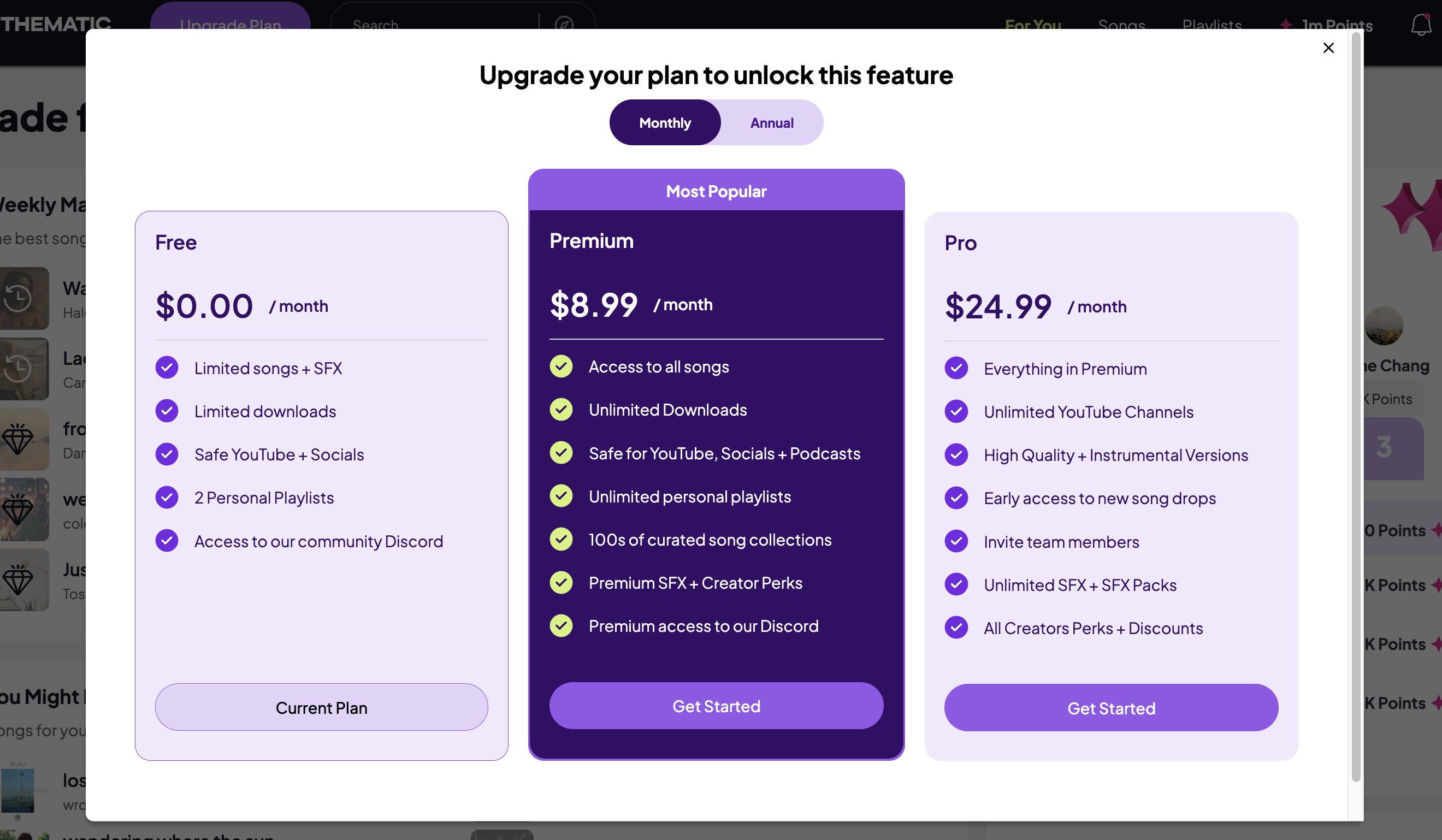
Want to learn more about our subscription options? Check out our creator subscriptions here.
